How it works in short
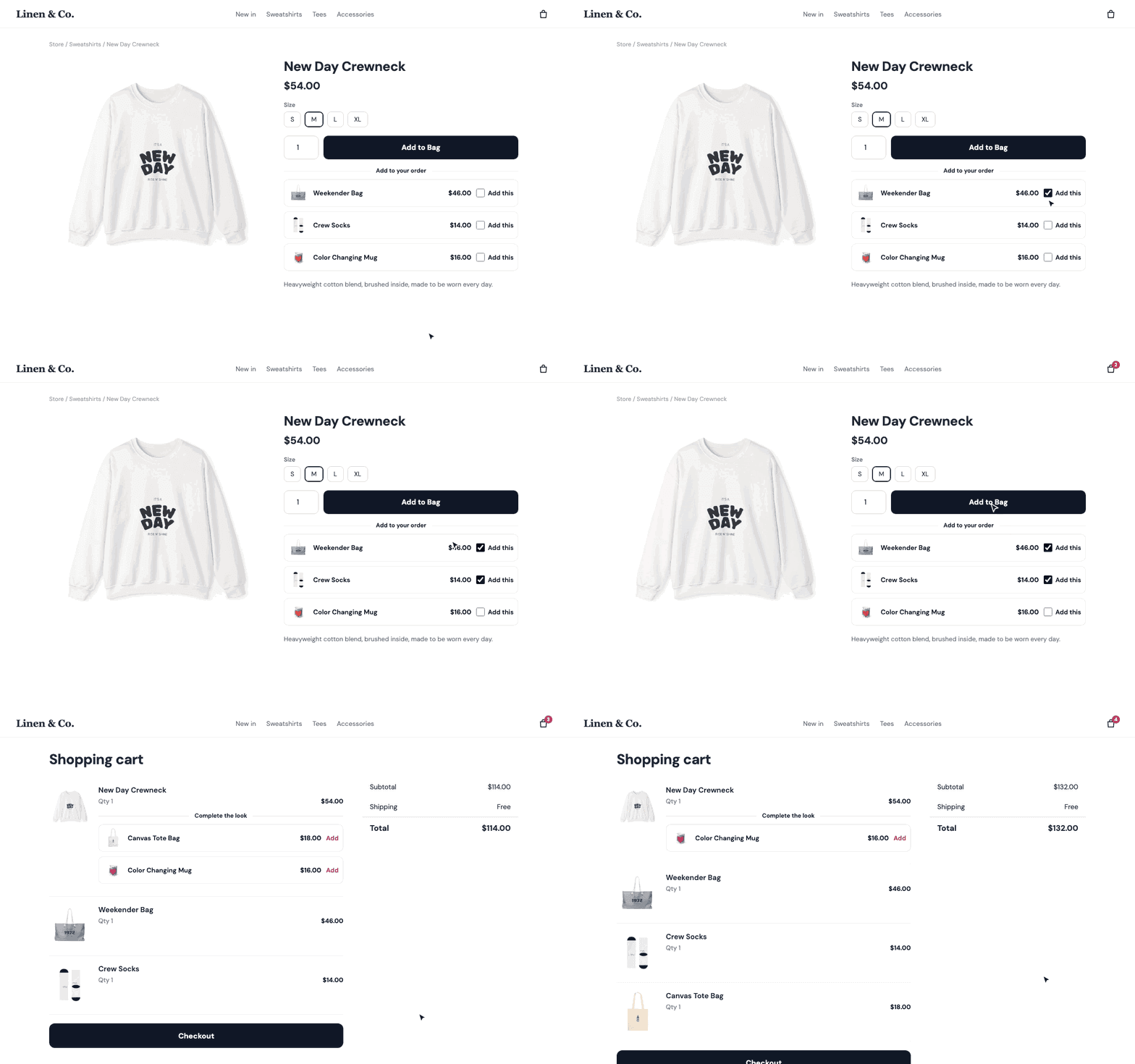
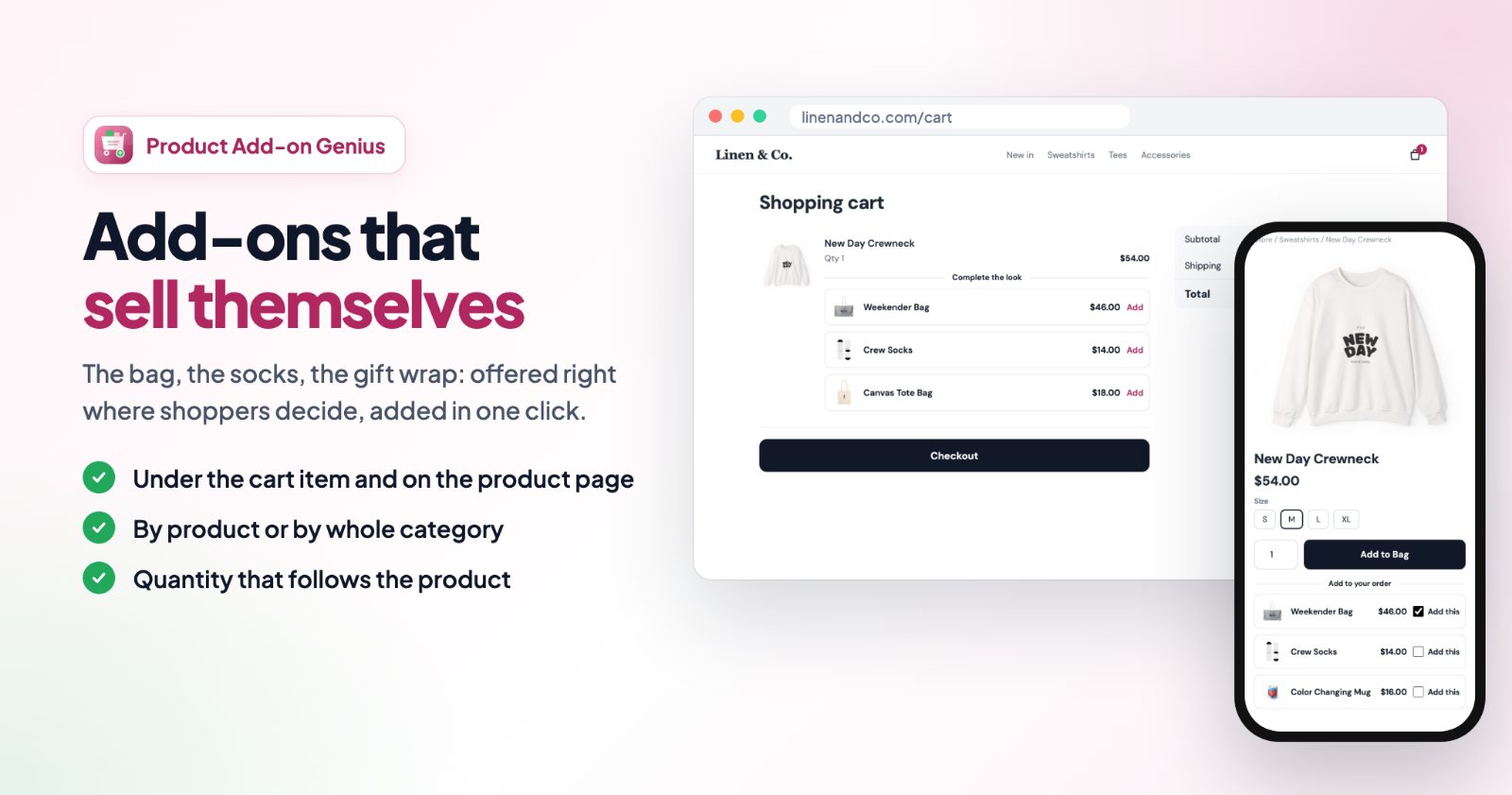
You make add-on offers. Each offer has its add-on products and a place where they show: under the cart item they belong to, on that product's page, under the cart total or under the Checkout button. Shoppers add an add-on with one click.
- By product or by category: a new product in one of the chosen categories gets the add-ons without any change.
- Only what makes sense: add-ons that are switched off or out of stock, the product the shopper is looking at and (if you choose) add-ons already in the cart are hidden.
- Normal prices: add-ons are added at their normal price. To give a discount, create a discount in your store for those products.
1. Make an offer
Open the app and click + New add-on offer. Give it a name (only you see it, for example "Crewneck & tee add-ons"). The Live switch next to the name turns the offer on or off. Back in All offers, every offer has its own switch plus Edit, Duplicate and Delete.
2. Pick the add-ons
On the Add-ons tab, search your products and add the ones shoppers can add: a bag, socks, a gift wrap product, an extended warranty. The arrow next to an add-on moves it up the list. Products that are not on sale or out of stock are skipped on the store, and the app warns you about them above the tabs.
3. Choose where they show
The Where tab has four places:
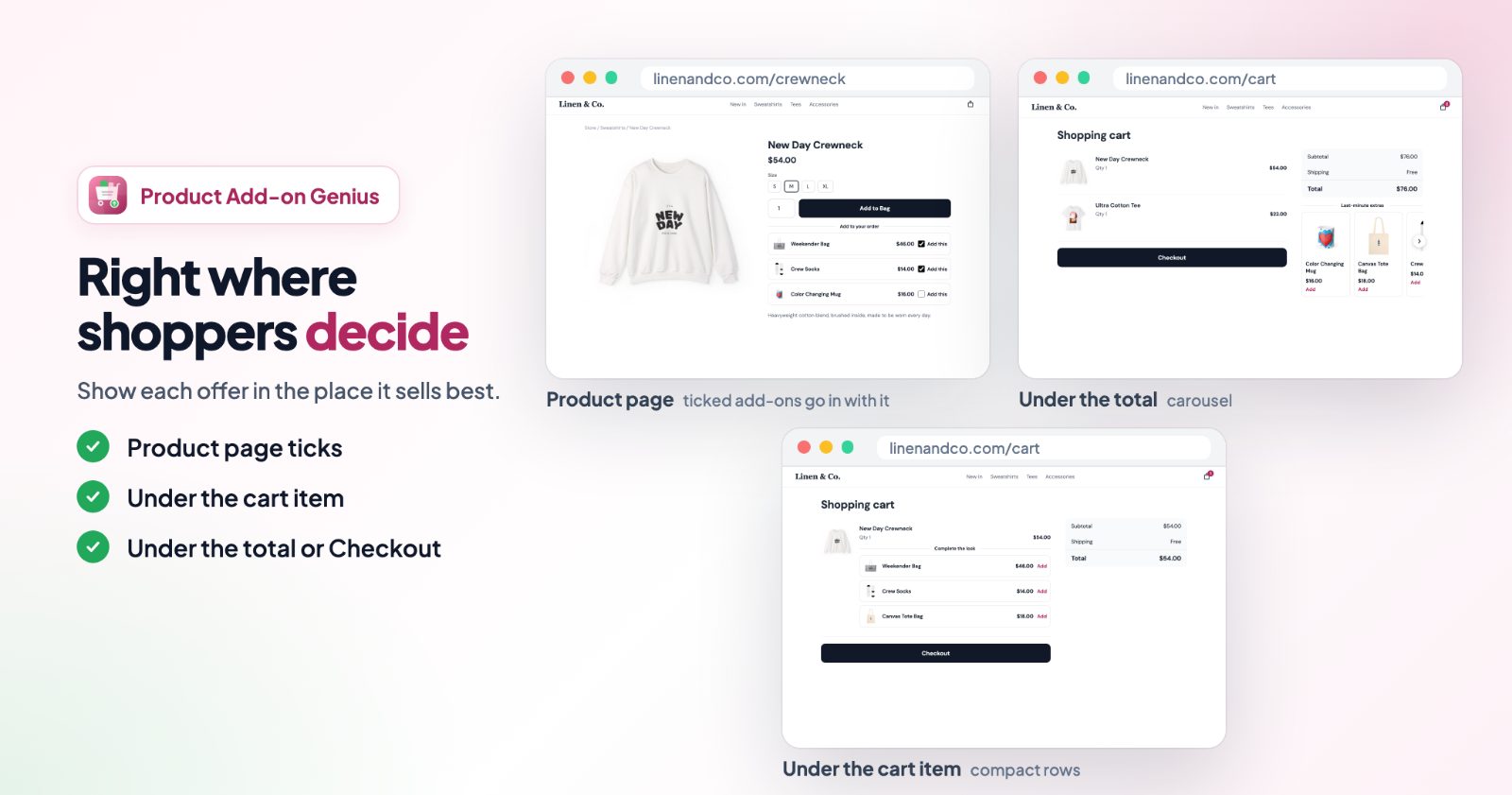
- Under the cart item: in the cart, under the product the add-ons are for.
- On the product page: ticks under Add to Bag. The ticked add-ons go into the cart together with the product.
- Under the cart total or Under the Checkout button: in the cart, whatever is in it. Shown once while the cart has any product.
For the first two, pick the products under For these products, and / or tick categories under And every product in these categories.
4. Pick a look
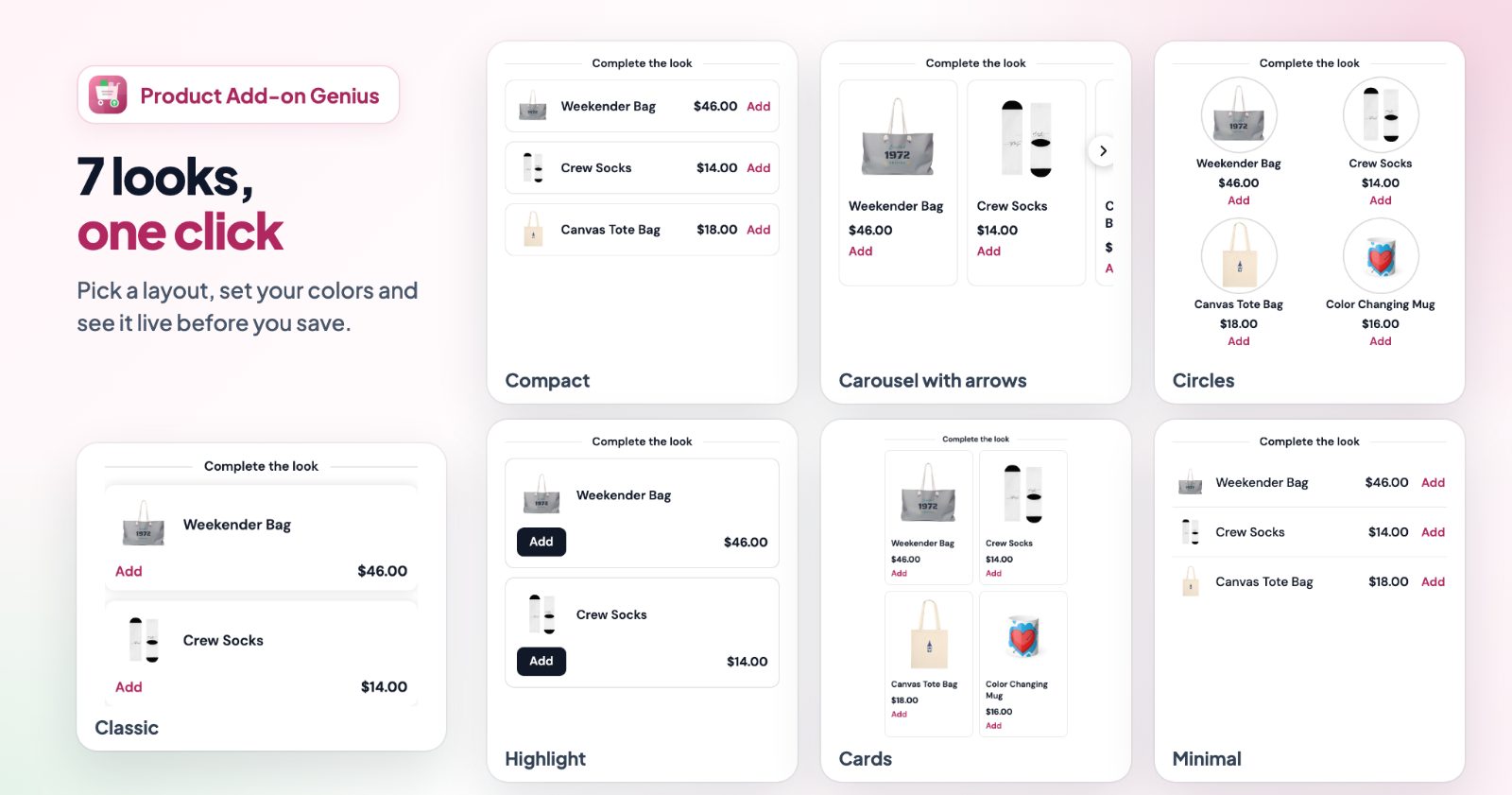
On the Look tab, choose one of seven layouts:
- Classic (one add-on per box), Compact (slim rows: picture, name, price and button on one line), Minimal (a plain list without boxes) and Highlight (boxes with a filled button).
- Cards (a grid of product cards), Carousel (cards in a row with left / right arrows, shoppers can also swipe) and Circles (round pictures side by side, like story bubbles).
Then set the Text color and Box color (Circle color for Circles), switch Product pictures on or off, and for the list layouts choose Show one add-on first: the others open with "Show all".
5. Write the texts
The Texts tab has the Heading ("Goes well with it" in the cart, "Add to your order" on the product page), the Add button, While adding, Once added, the Button for products with options, the Tick box text on the product page and the Show all link. Pick a language next to the title to write them in every store language. Leave a field empty to use the text shown in grey.
6. Quantity and dates
On the Quantity & dates tab:
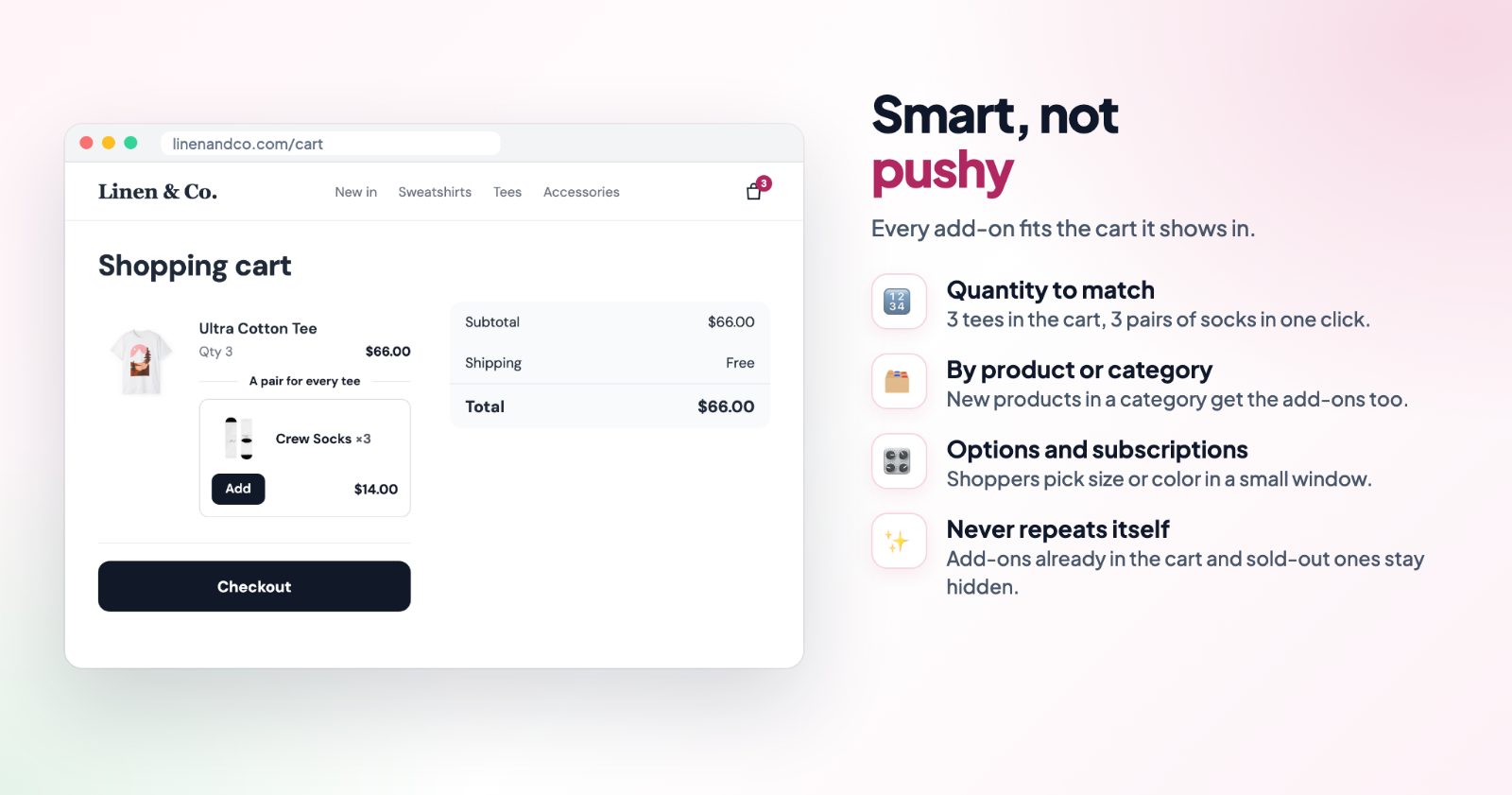
- Quantity added: One, A fixed number, or Same as the product. A shopper with 4 tires in the cart gets 4 valve caps. Under the cart total or the Checkout button it is one.
- Hide add-ons already in the cart.
- Only between dates: for a season or a campaign, with From and Until (including).
7. Check the preview and save
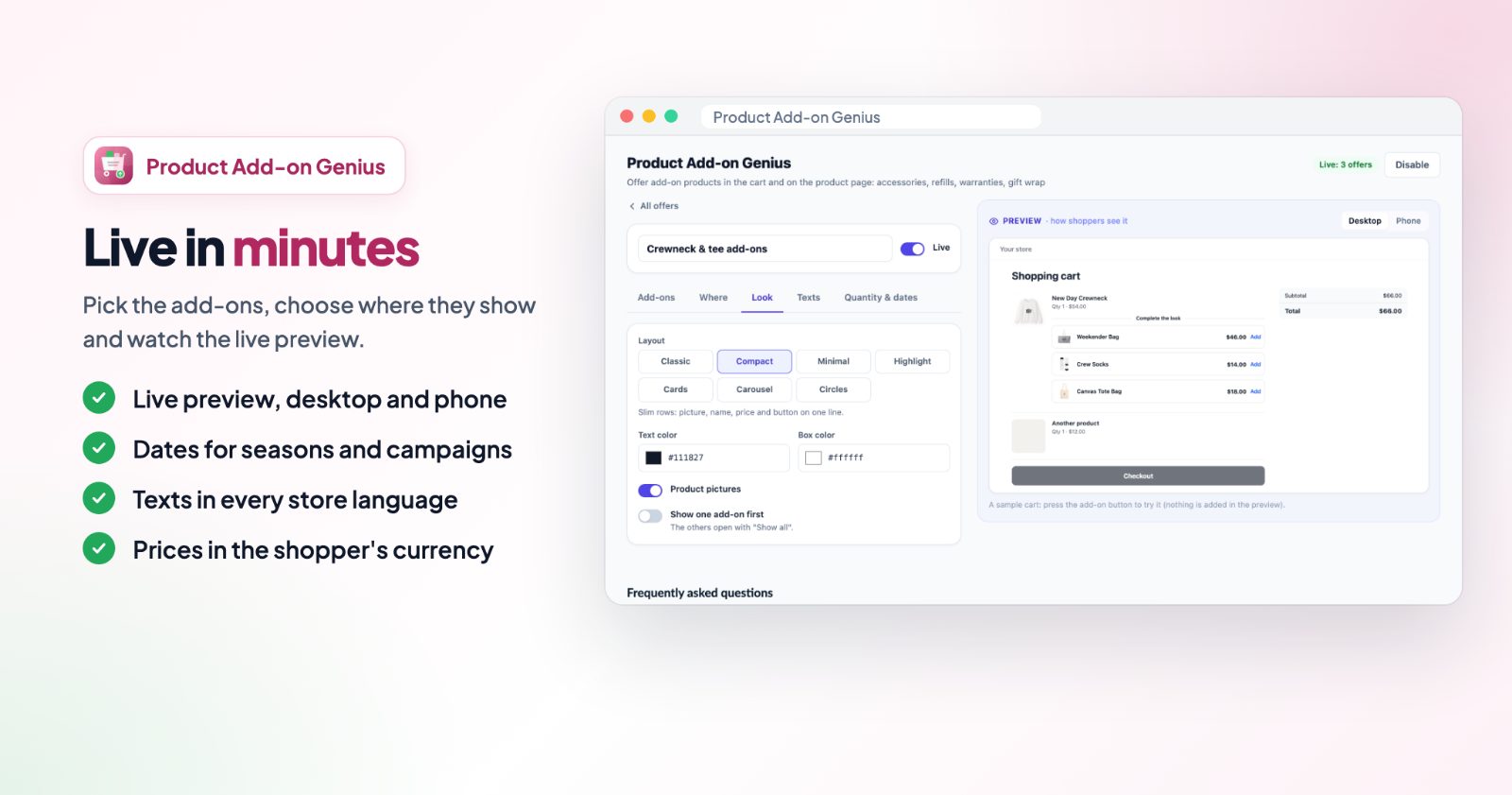
The Preview on the right shows the offer with your products, on Desktop or Phone. Click Save at the top: your store shows the changes right away. The badge there says how many offers are live, and Disable / Enable turns all add-ons off or on at once.
Common setups
Gift wrap for every order
Make a gift wrap product in your store, add it as the add-on and choose Under the cart total. It shows once in the cart, whatever is in it. For the holidays, see gift wrap, gift messages and engraving.
A warranty for a whole category
Add your warranty product, choose Under the cart item and tick the Electronics category. New products in that category get it too.
Accessories ticked on the product page
Choose On the product page for a camera, with the case and memory card as add-ons. Shoppers tick them under Add to Bag and everything goes into the cart in one go. Add-ons with required options ask for them first.
One per item: socks with every pair of shoes
Under Quantity & dates pick Same as the product. A shopper with 3 pairs of shoes adds 3 pairs of socks in one click.
A summer extra for two months
Duplicate an offer, swap in the summer products, switch on Only between dates and set June 1 to July 31. It starts and stops by itself.
Questions
Are add-ons discounted?
No, they are added at their normal price. To give a discount, create a discount in your store for those products, or use Cart Discounts for a bought-together deal.
What about add-ons with options or subscriptions?
Shoppers pick the options in a small window before the add-on goes into the cart. Subscription-only products are added as a subscription.
Which add-ons are hidden?
Products that are switched off or out of stock, the product the shopper is looking at, and (if you choose) add-ons already in the cart.
Does it work with the Ultimate Currency Converter app?
Yes, the add-on prices show in the shopper's currency.
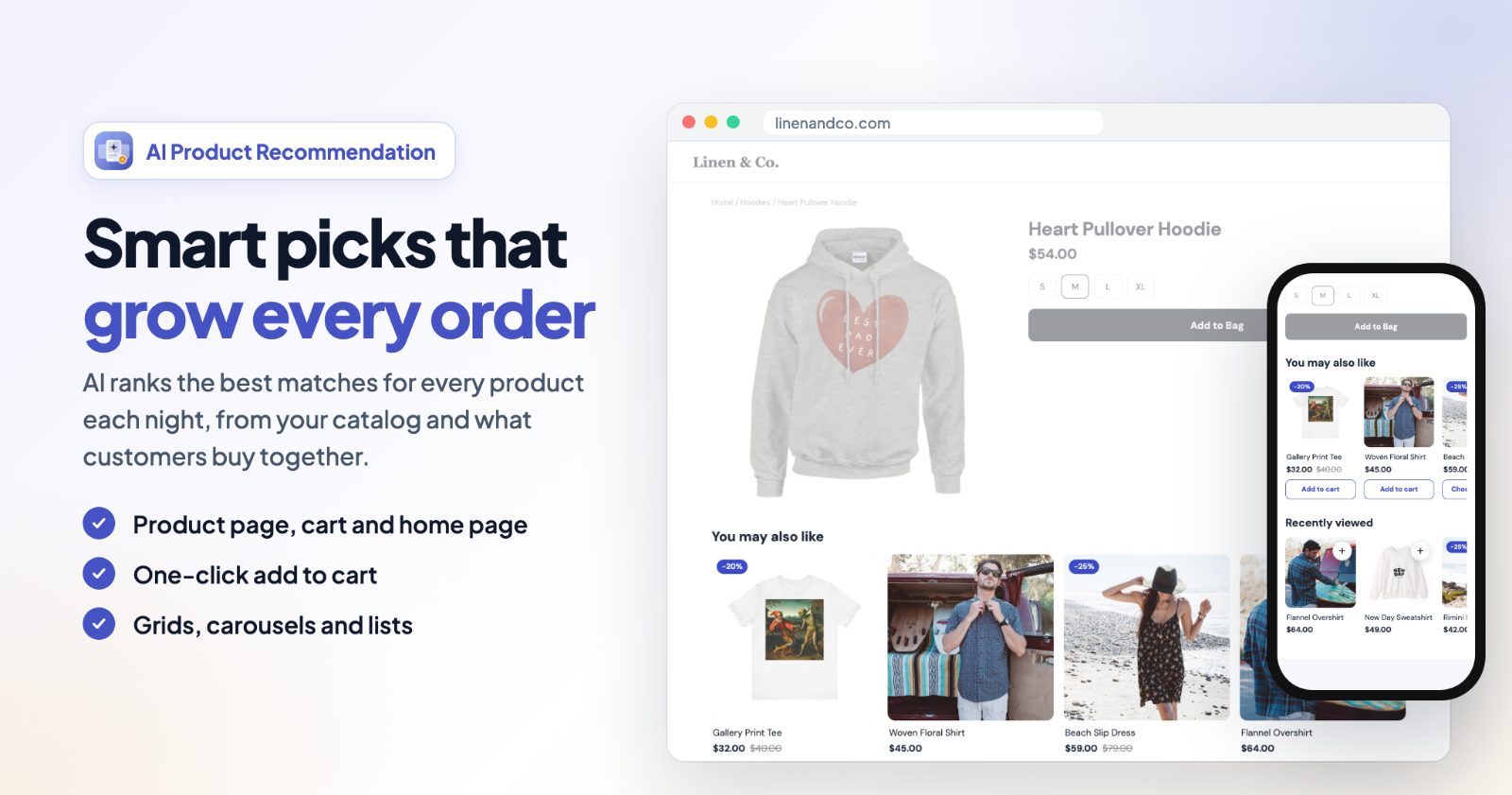
Would you rather have the products picked for you? SmartSuggest recommends products in the cart and on product pages from your catalog and orders, and Upsell AI Bundler Pro builds discounted bundles.