The short answer
- You know which products go together and want to show the bundle on the product page: Upsell & Cross-Sell Bundles.
- You have many products and don't want to pick every bundle by hand, or you want to test two offers against each other: Upsell AI Bundler Pro.
- You want store-wide deals like buy one get one, "any 3 for $20", spend more save more or wholesale prices, applied in the cart without showing a bundle box: Cart Discounts.
Upsell & Cross-Sell Bundles: bundles you build
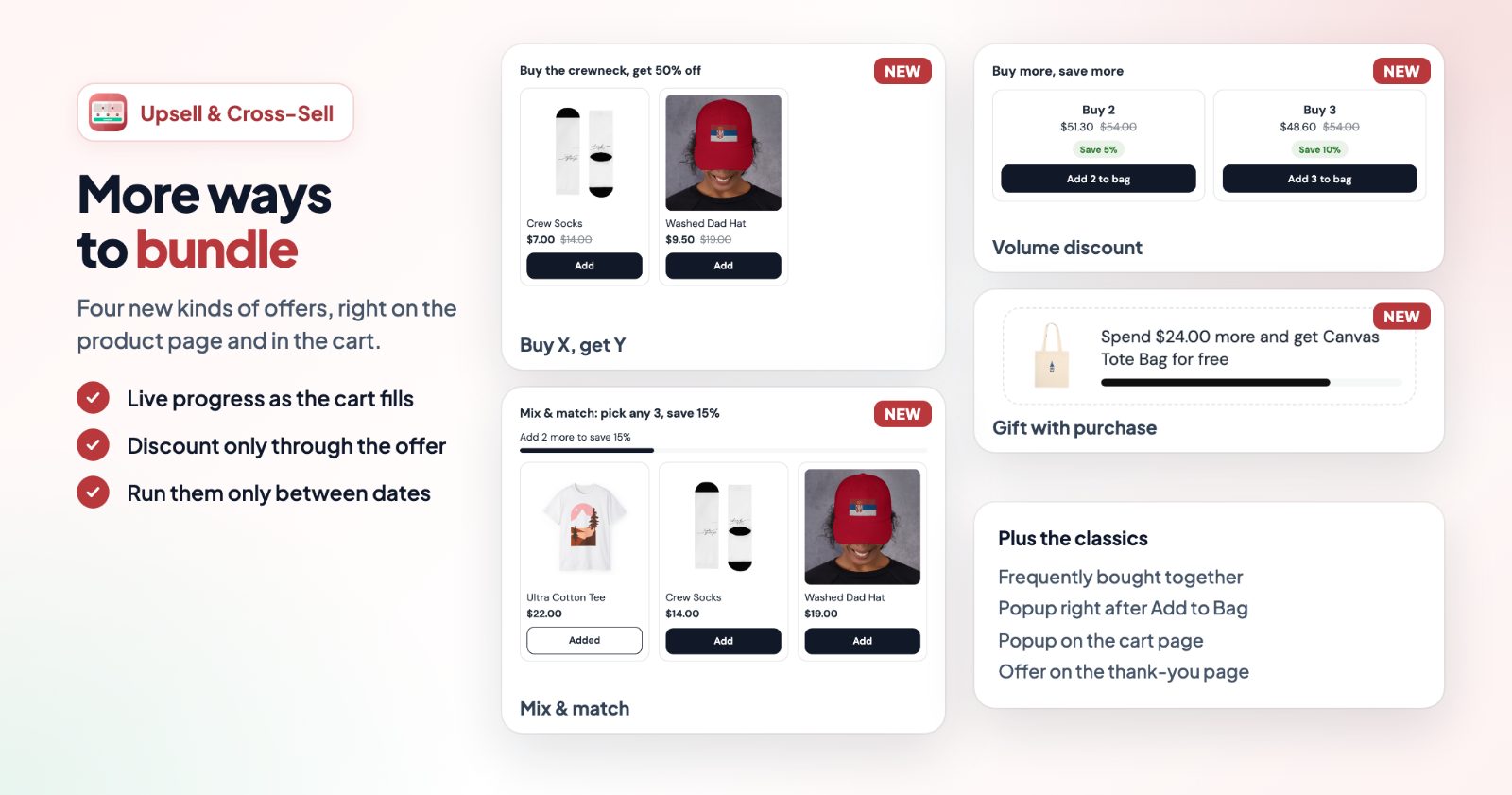
You make each offer, called a kit, yourself: pick a kind, add the products, set the discount. There are eight kinds:
- Frequently bought together: the product with the ones that go with it, ticked, with the bundle price. Shoppers untick what they don't want and pick sizes and colors in a small window. Discount tiers are possible: 2 products 5%, all 3 10%.
- Buy X, get Y, Mix & match (any 3 from a group for 15% off, with a progress line), Volume discount (2 for 5% off, 3 for 10%) and Gift with purchase (a free product once the cart reaches an amount).
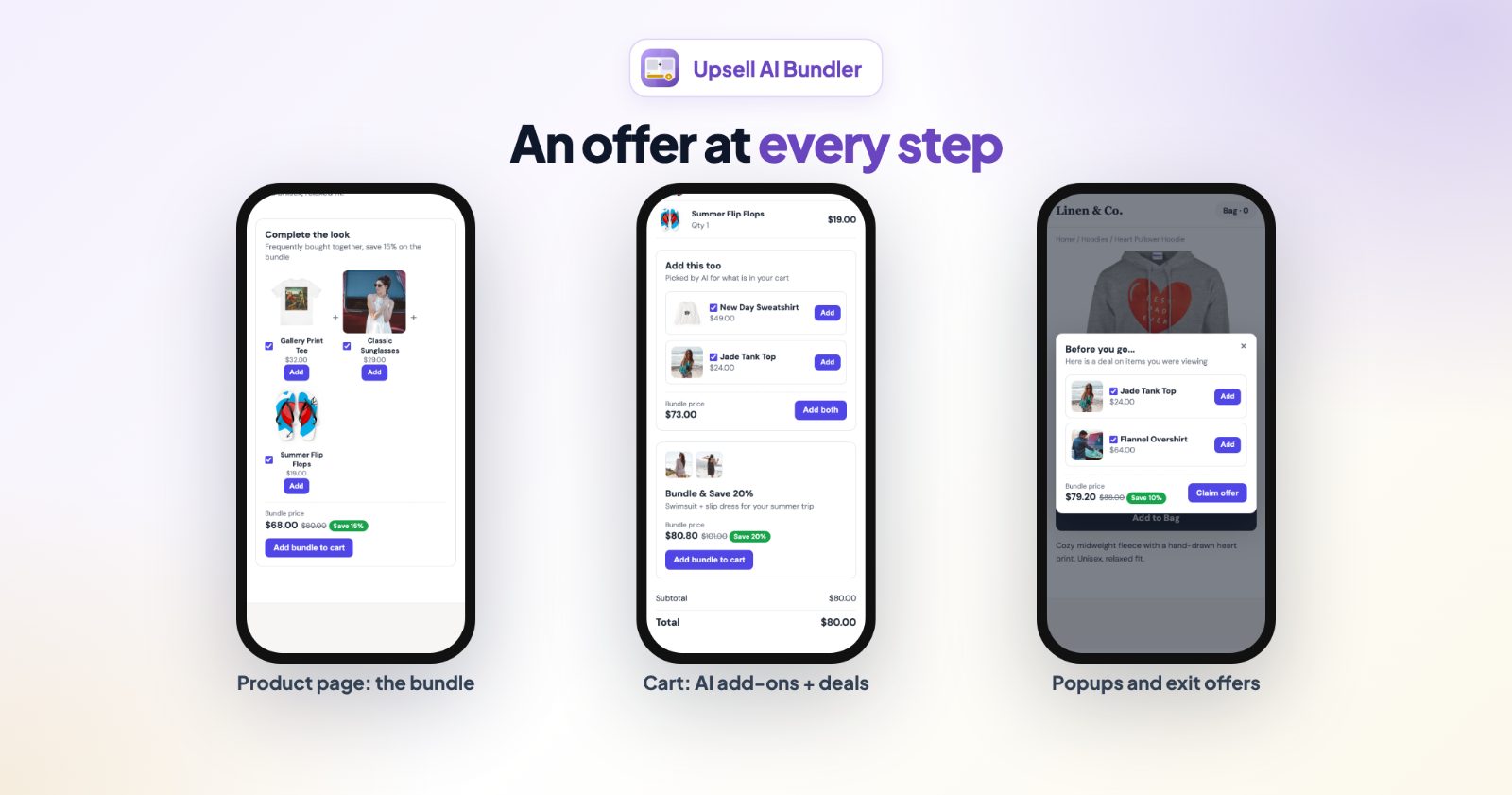
- Three popups: after Add to Bag, on the cart page, and on the thank-you page (products shoppers can add to the order they just placed).
The discount is a real checkout discount, shown next to the kit's name. You choose what happens when two kits share a product (only the best discount, or both added up), and whether the discount needs the shopper to add the kit from the offer. A kit hides while one of its products is sold out, can run only between dates, and shows the orders and revenue it brought in over the last 30 days.
Best for: stores with a clear set of products that belong together (a camera and its case, a set of candles, an outfit) and owners who want full control over every offer.
Not for: a catalog of hundreds of products where building every bundle by hand would take days.
Upsell AI Bundler Pro: bundles picked for you
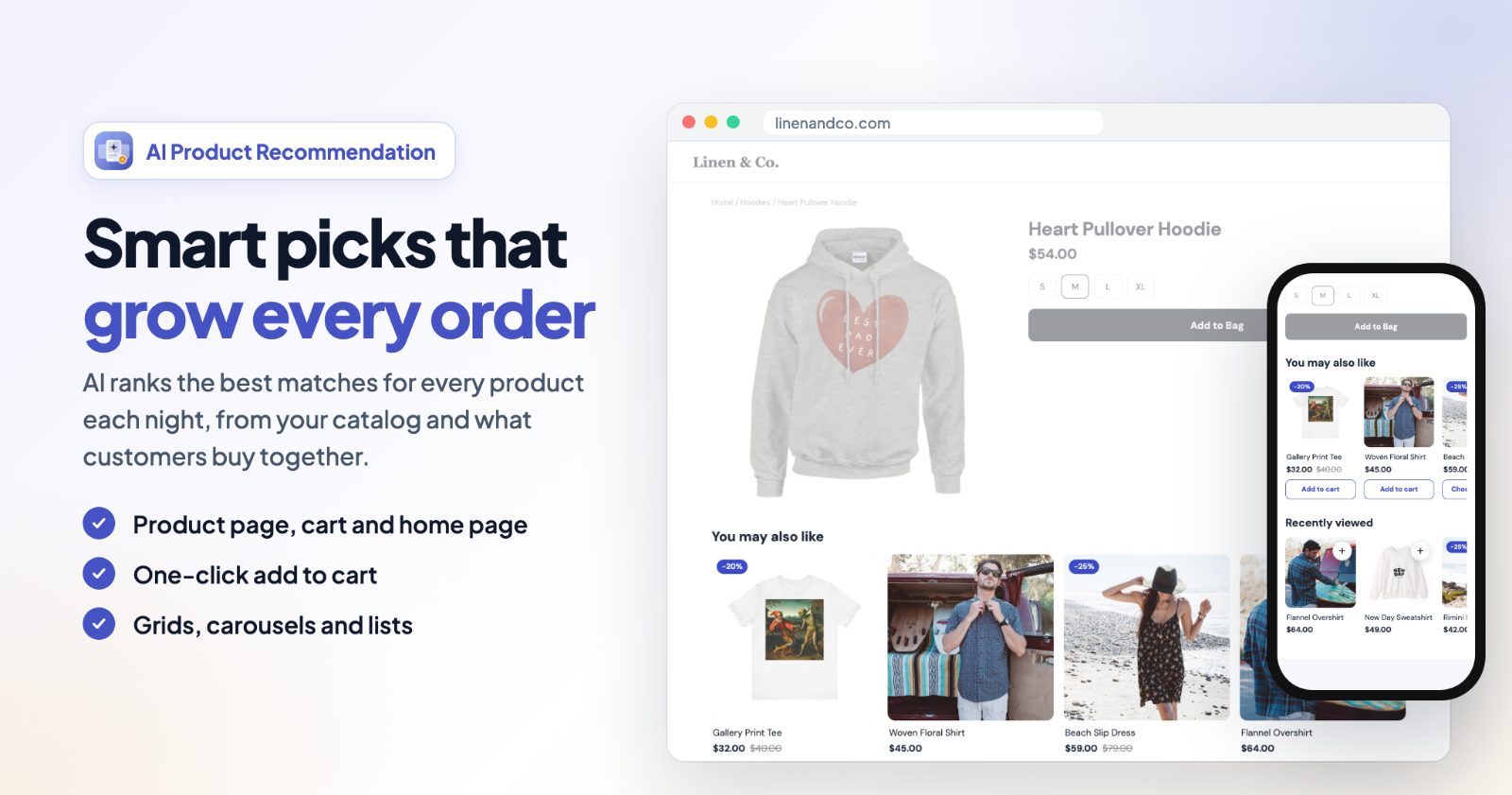
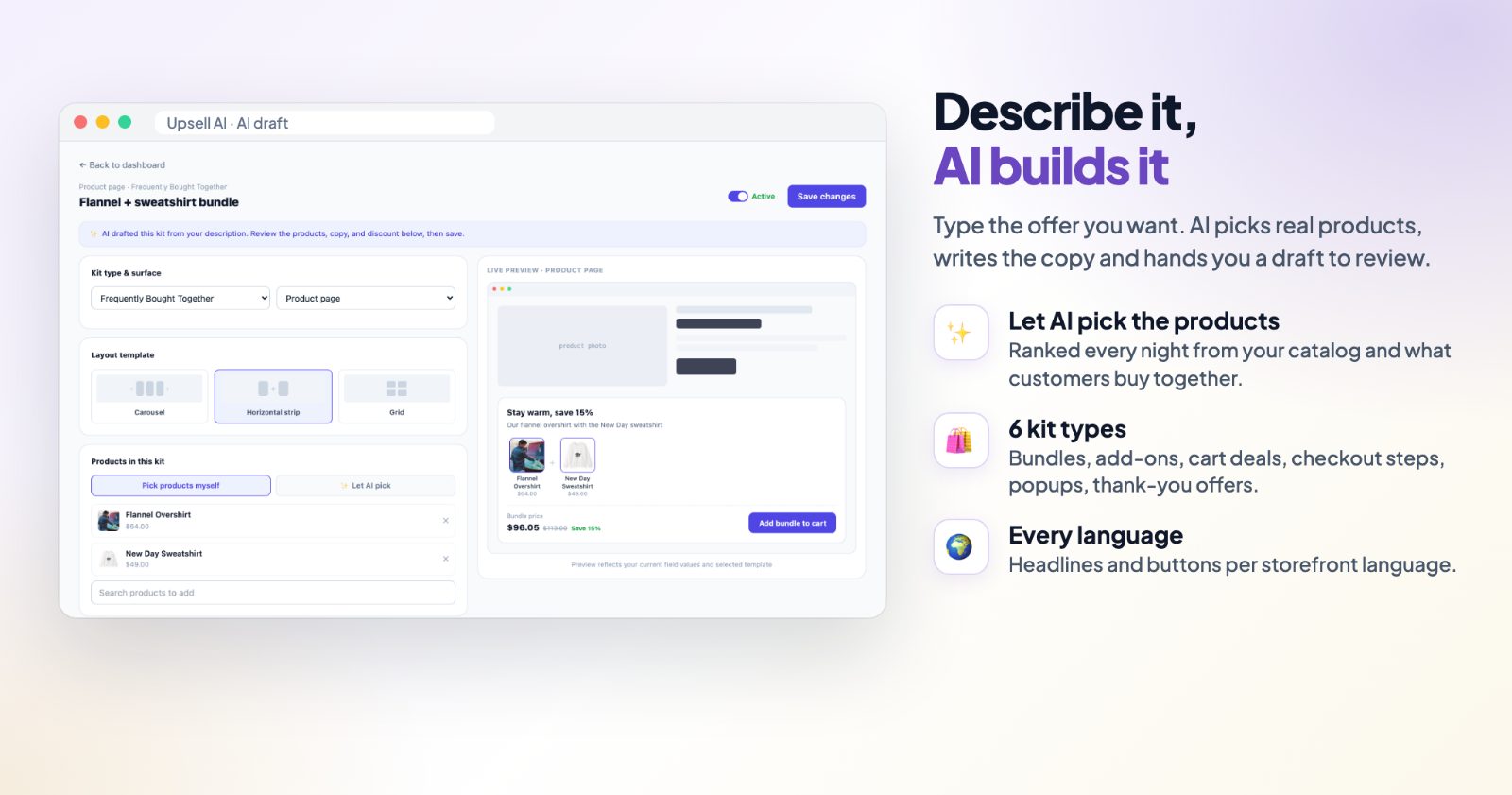
Here the products can be chosen by AI. Let AI pick blends two signals: products your customers have actually bought together (from your paid order history) and products similar to the one being viewed. A new store with few orders leans on similarity first and shifts to real co-purchase data as orders come in, without you doing anything.
- Describe it, let AI build it: type the offer you want in a sentence on the New Kit screen, and the app drafts a kit with real products from your catalog, the texts and a discount, for you to review before you save.
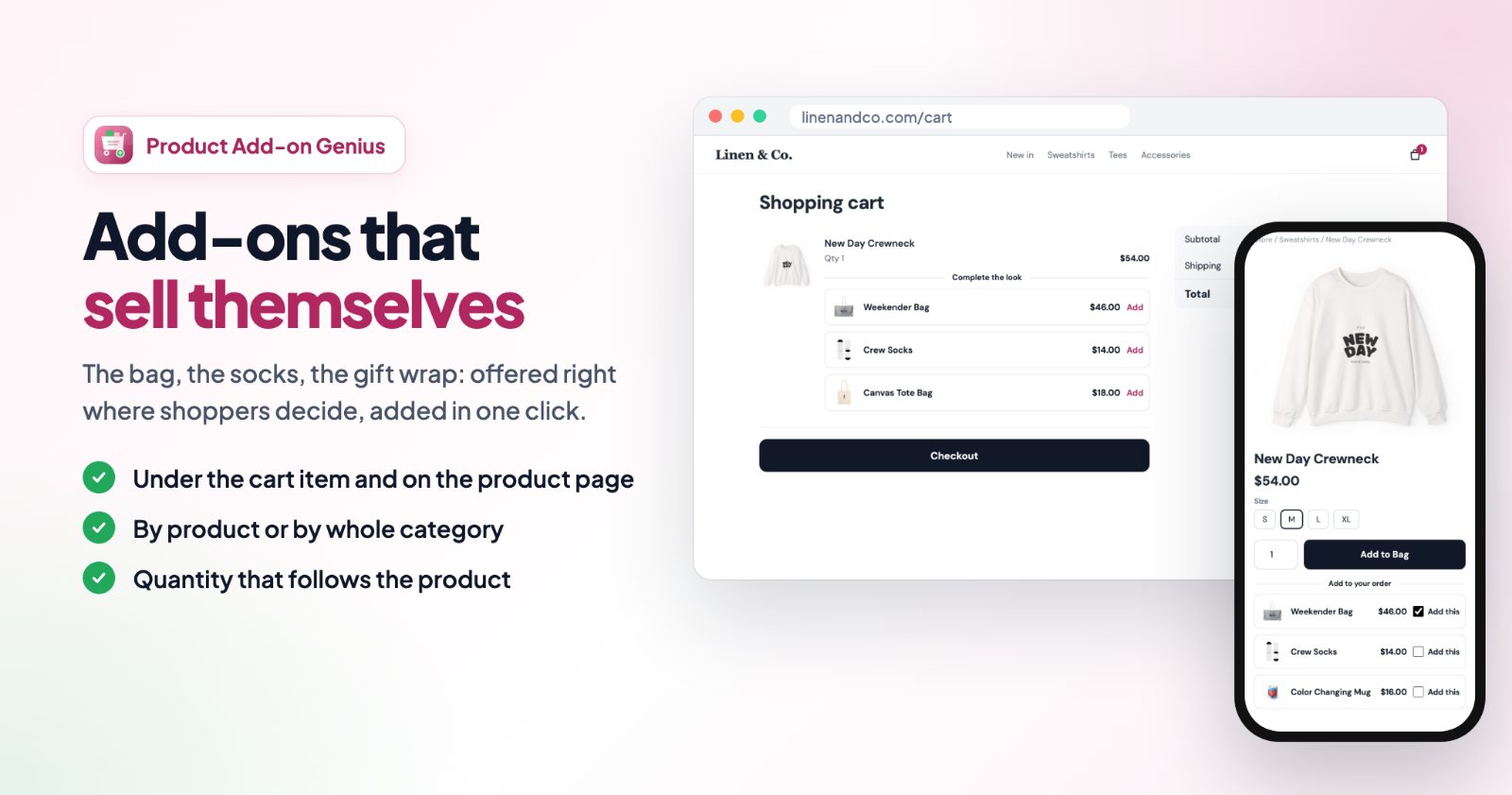
- Offers at every step: bundles on the product page, add-ons and deals in the cart, a checkout-step widget, popups and thank-you offers.
- Split tests: run variants of a kit side by side; once a variant has at least 20 impressions, the one with the higher conversion rate is marked "Leading".
- Funnels (optional): link kits so that, for example, a closed popup reveals a better offer.
For product, cart and checkout kits, the discount applies automatically at checkout once the shopper has the kit's products in the cart.
Best for: larger catalogs, stores with order history, and owners who like to test what works.
Not for: a store where you want to decide every bundle yourself and nothing else; that is what Upsell & Cross-Sell does with less to set up.
Cart Discounts: deals that apply in the cart
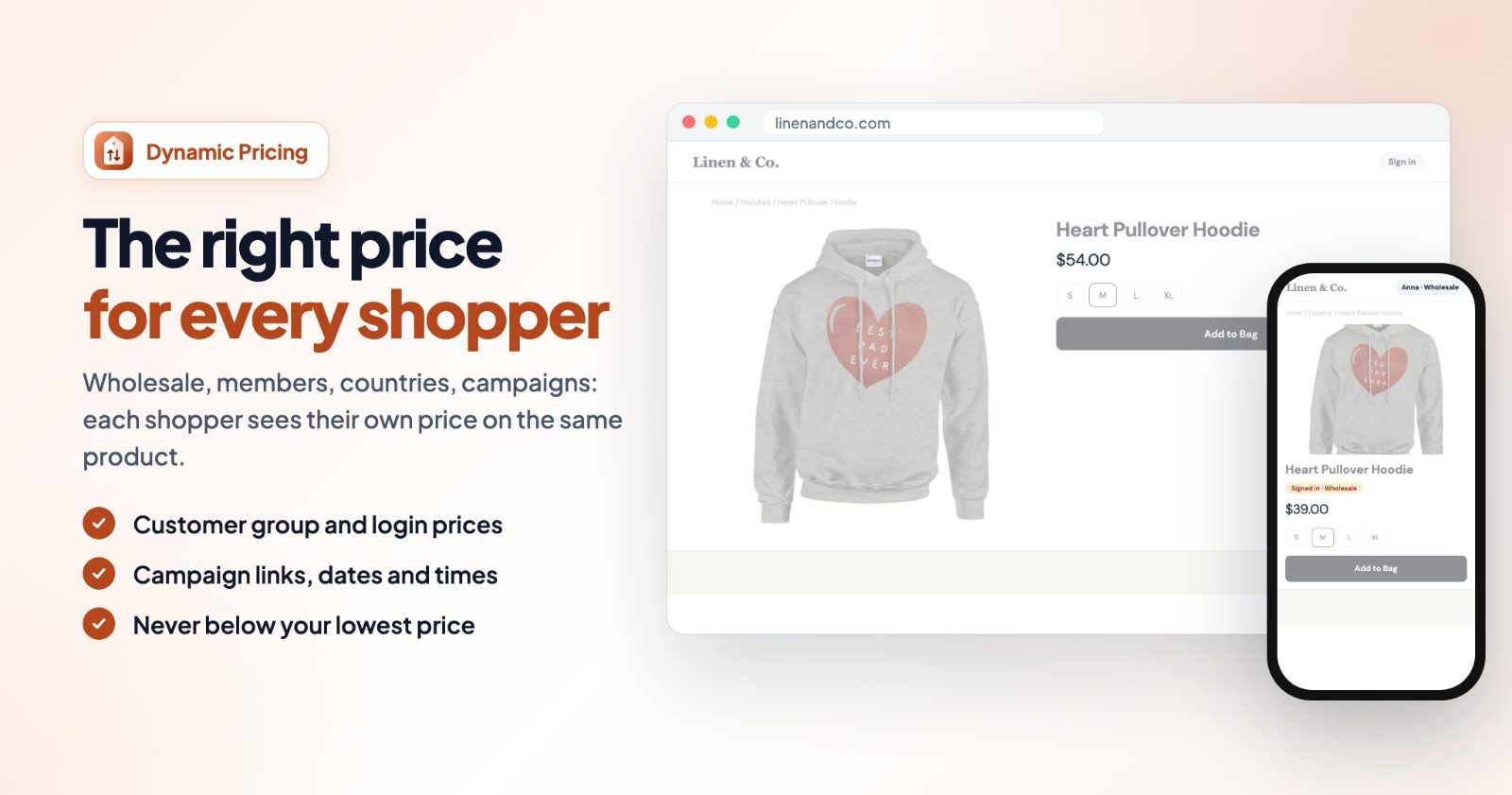
Cart Discounts shows no bundle box. You make rules, and the cart applies them by itself: buy one get one free or 50% off, cheapest item free, quantity breaks, case pricing, any 3 for a price, bought together sets, spend and save, a free gift over an amount, first-order, returning-customer, members-only, country and customer group (wholesale) discounts, happy hours, weekend and limited-time sales. 21 ready-made kinds in all.
Product pages keep their normal prices; the discounts show in the cart and at checkout as their own lines. Short teasers point shoppers to a deal before they get it ("Add 1 more and get one free" in the cart, a badge on the product page). Rules can be limited by customer group, country, order history, days, hours and dates. The full setup is in the Cart Discounts guide.
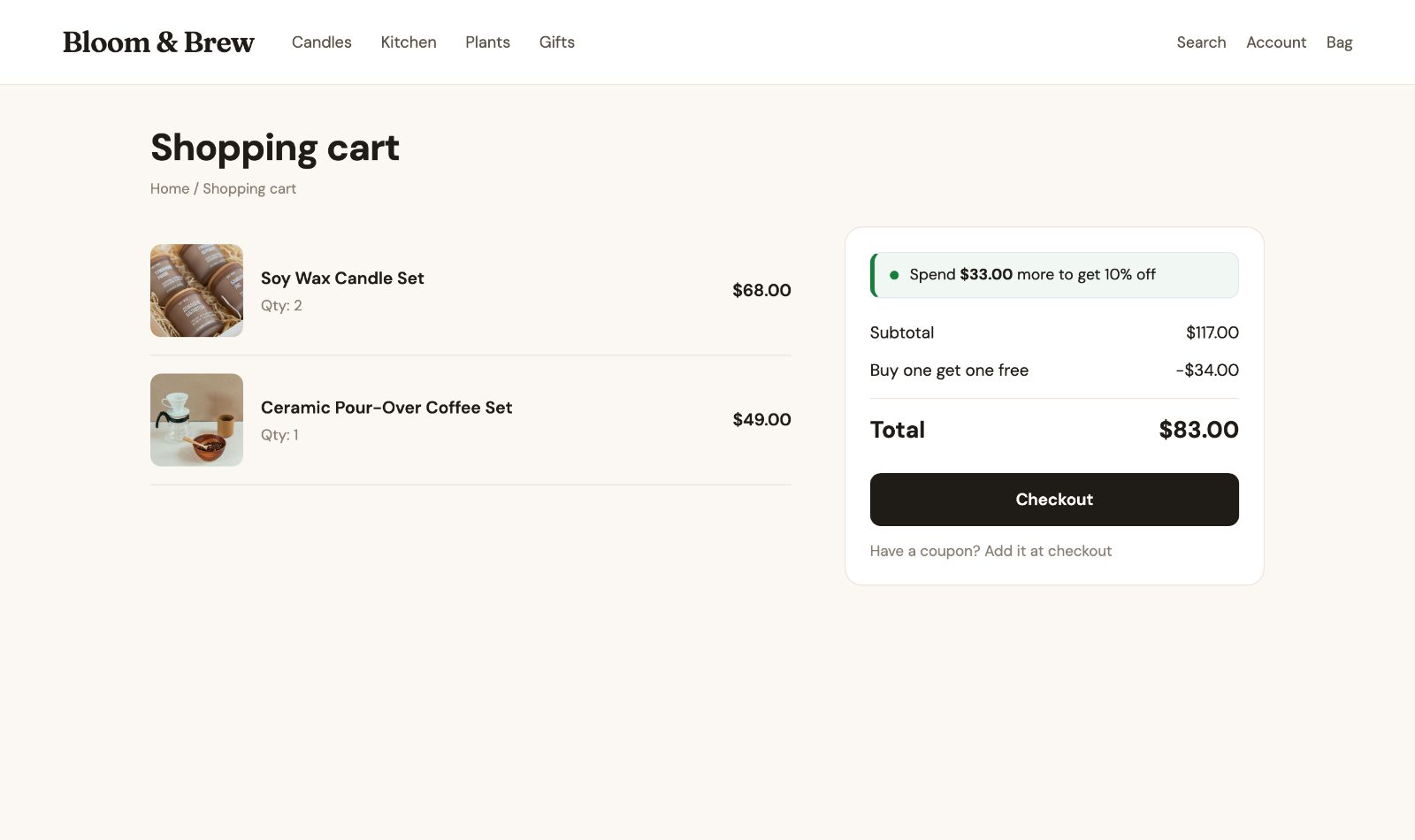
Best for: promotions across a category or the whole store, holiday sales with a start and end date, wholesale prices, and brands that don't allow discounted prices on product pages.
Not for: showing shoppers which products to buy together on the product page; pair it with one of the bundle apps for that.
Side by side
- Who picks the products: Upsell - you; Upsell AI - you or the AI; Cart Discounts - your rules (products, categories, brands, attributes).
- What shoppers see: Upsell and Upsell AI - a bundle or offer on the product page, in popups and in the cart; Cart Discounts - the discount line in the cart and short teasers.
- Where the discount applies: all three at checkout, automatically.
- Testing: Upsell AI has split tests and funnels; Upsell shows results per kit.
- Who and when: Upsell kits and Cart Discounts can run between dates; Cart Discounts also limits by customer group, country, first or returning order, days and hours.
Can I use them together?
Yes, and a common pair is one bundle app for the product page plus Cart Discounts for store-wide deals. Decide which discount a shopper should get when both apply, and set it in each app (Upsell: only the best discount or both added up; Cart Discounts: How discounts work together). Before a big sale, put a cart together on your store with products from both offers and check the total at checkout.