1. Sell more: bigger orders and fewer lost carts
Getting a shopper to your store is the expensive part. These apps help each visit end in a bigger order.
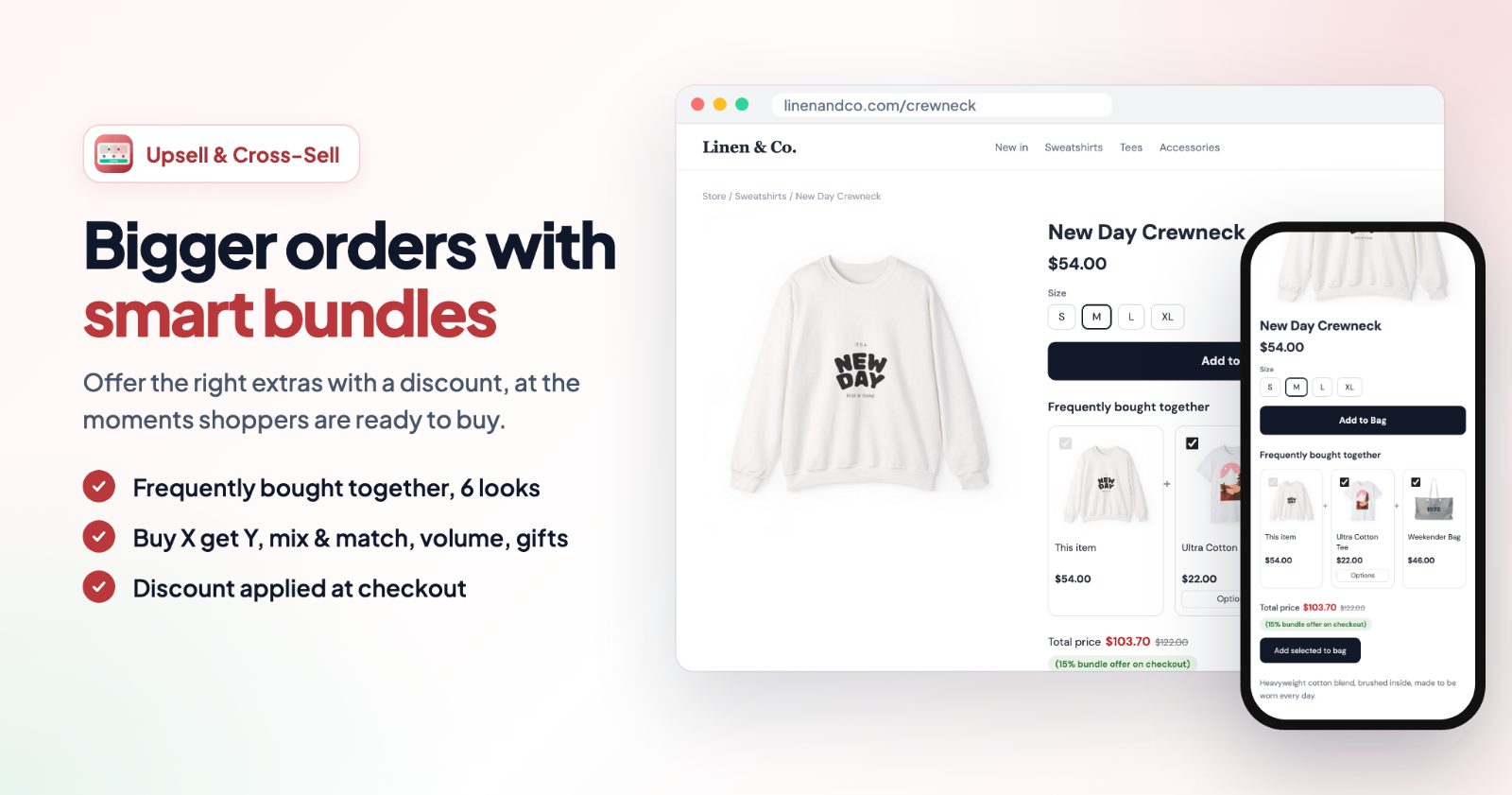
- Upsell & Cross-Sell Product Bundles: frequently bought together bundles with a real discount, Buy X get Y, Mix & match, volume discounts, a free gift over an amount, and offers after Add to Bag, on the cart page and after the order. Guide.
- Cart Discounts: automatic discounts in the cart by your own rules, no coupon code: buy one get one, bundles, tiered and volume discounts, spend more save more, members-only and first-order deals. Guide.
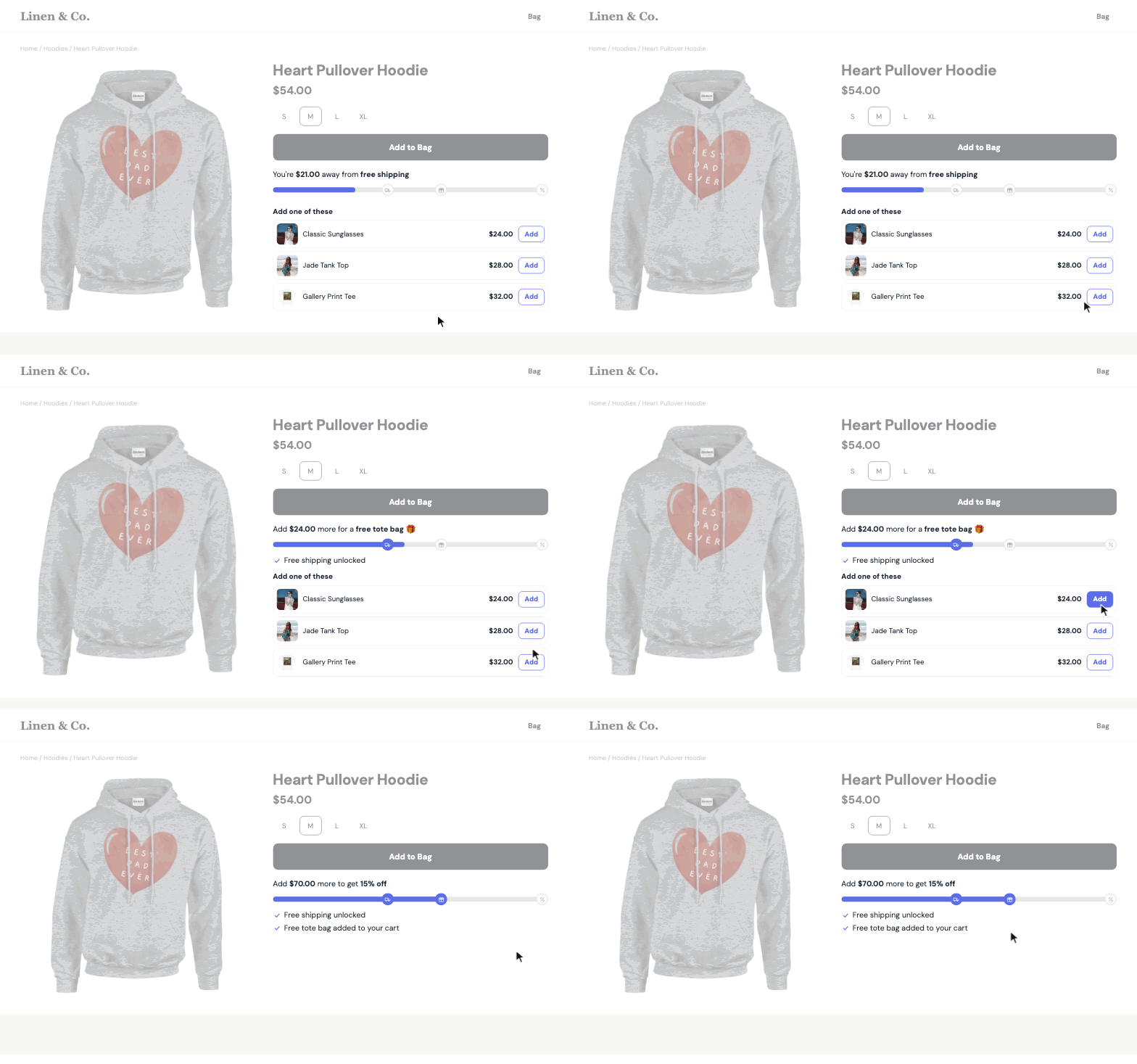
- AOV Progress Bar: shows shoppers how much more they need for free shipping, a free gift or a discount, with products priced close to what is still missing. Guide.
- Cart Abandon & Reminder Popup: when a shopper with items in the cart is about to leave, a reminder shows their cart, how close they are to free shipping and, if you like, a coupon with a countdown.
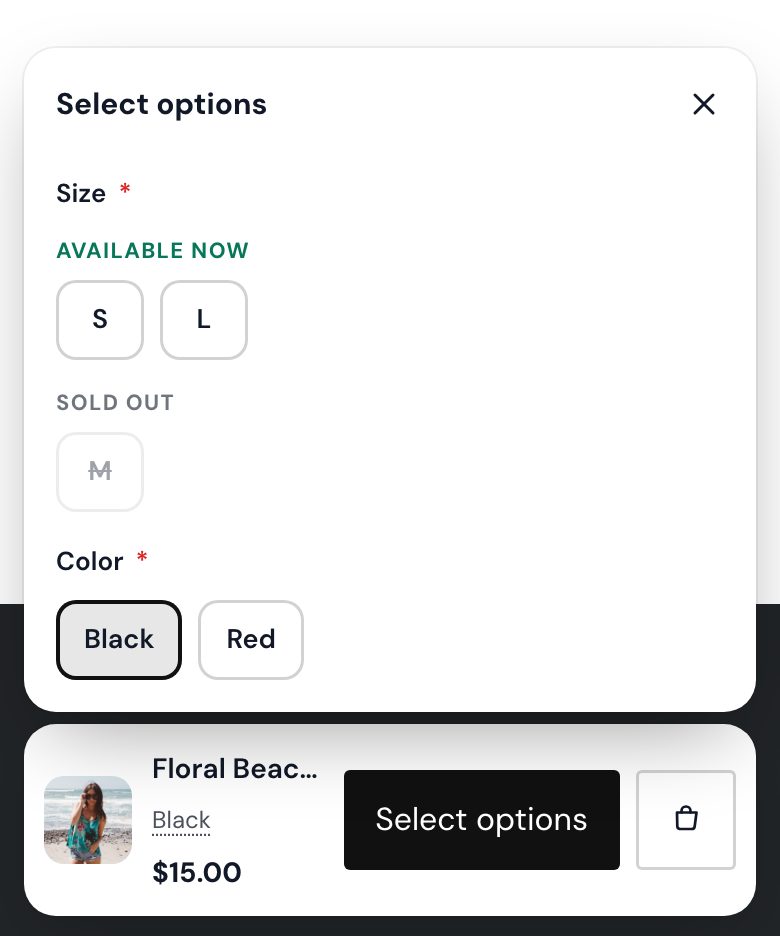
- Sticky 'Add to Cart' Button: keeps the buy button in reach once the shopper scrolls past your Add to cart button, on desktop, phones or both.
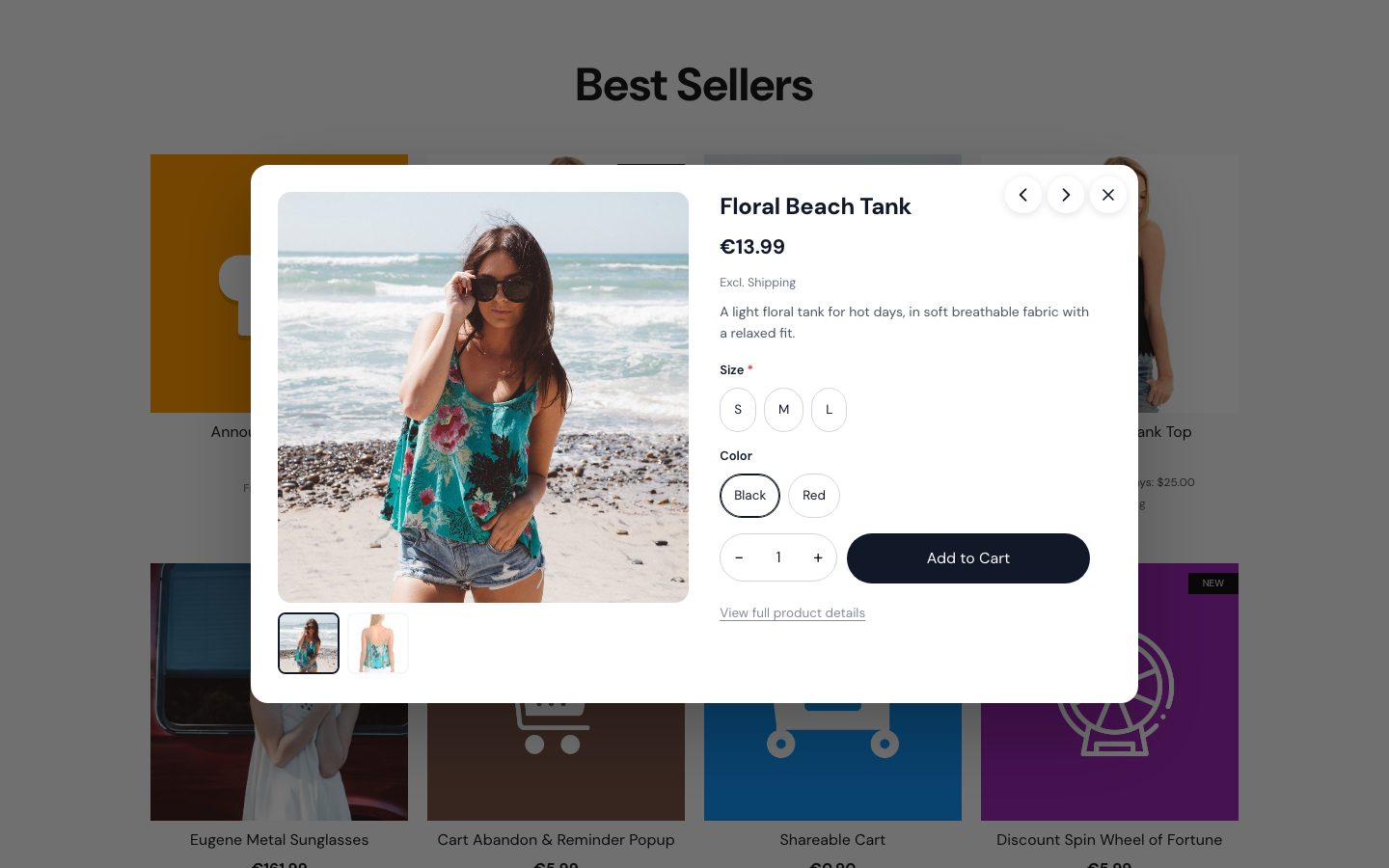
- Quick View: shoppers see photos, options and prices in a popup and add to cart without leaving the category page.
Also worth a look: Product Add-on Genius for add-ons in the cart such as warranty or gift wrap, SmartSuggest for AI product recommendations, and SmartPrice for wholesale and customer-group prices.
2. Marketing: emails, offers and announcements
Tell visitors about your offers, and give them a reason to come back.
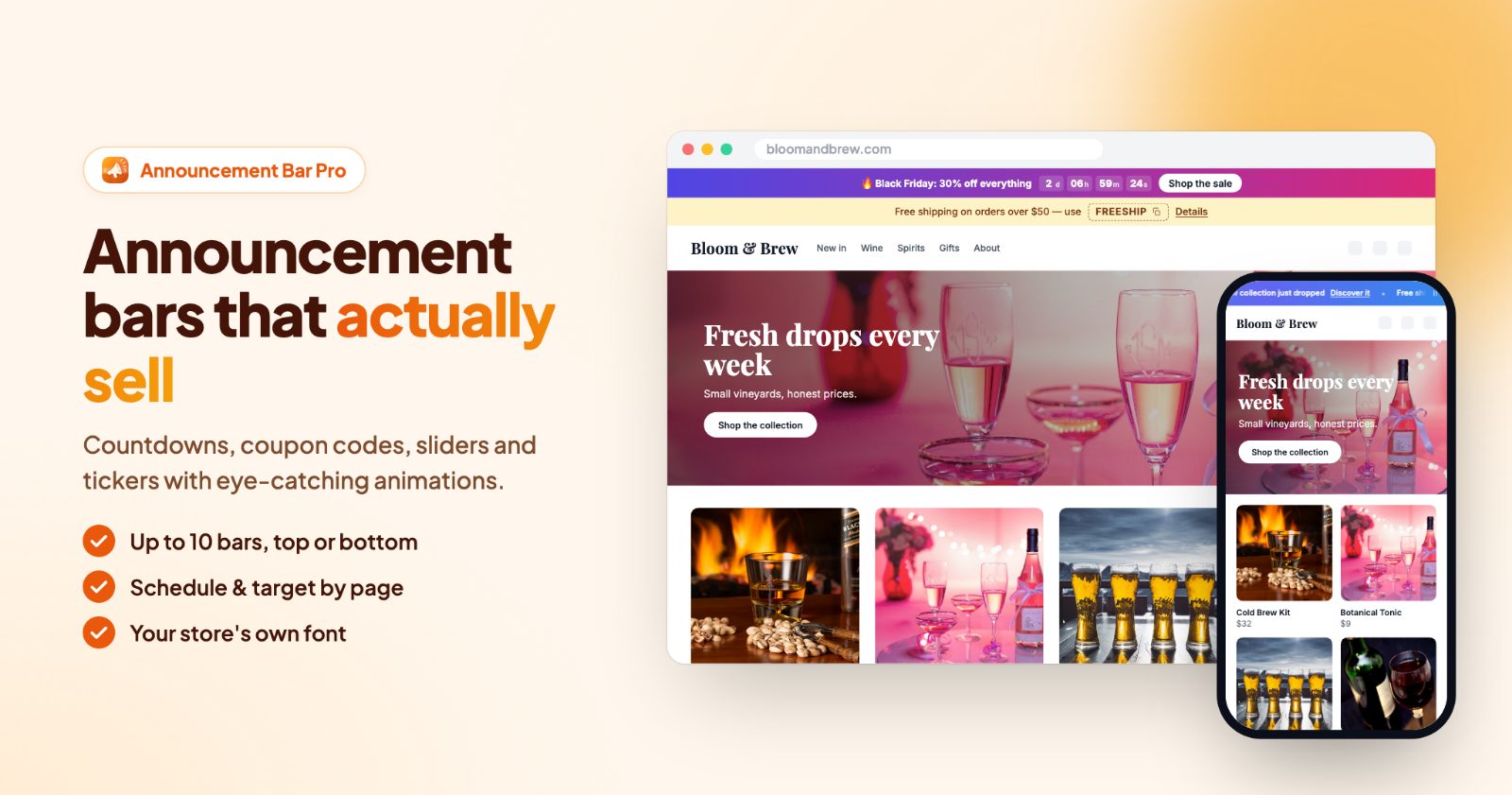
- Announcements Bar Pro: bars at the top or bottom of your store with countdowns, coupon codes, sliders and tickers. Each bar can run on a schedule and show on desktop, phones or both.
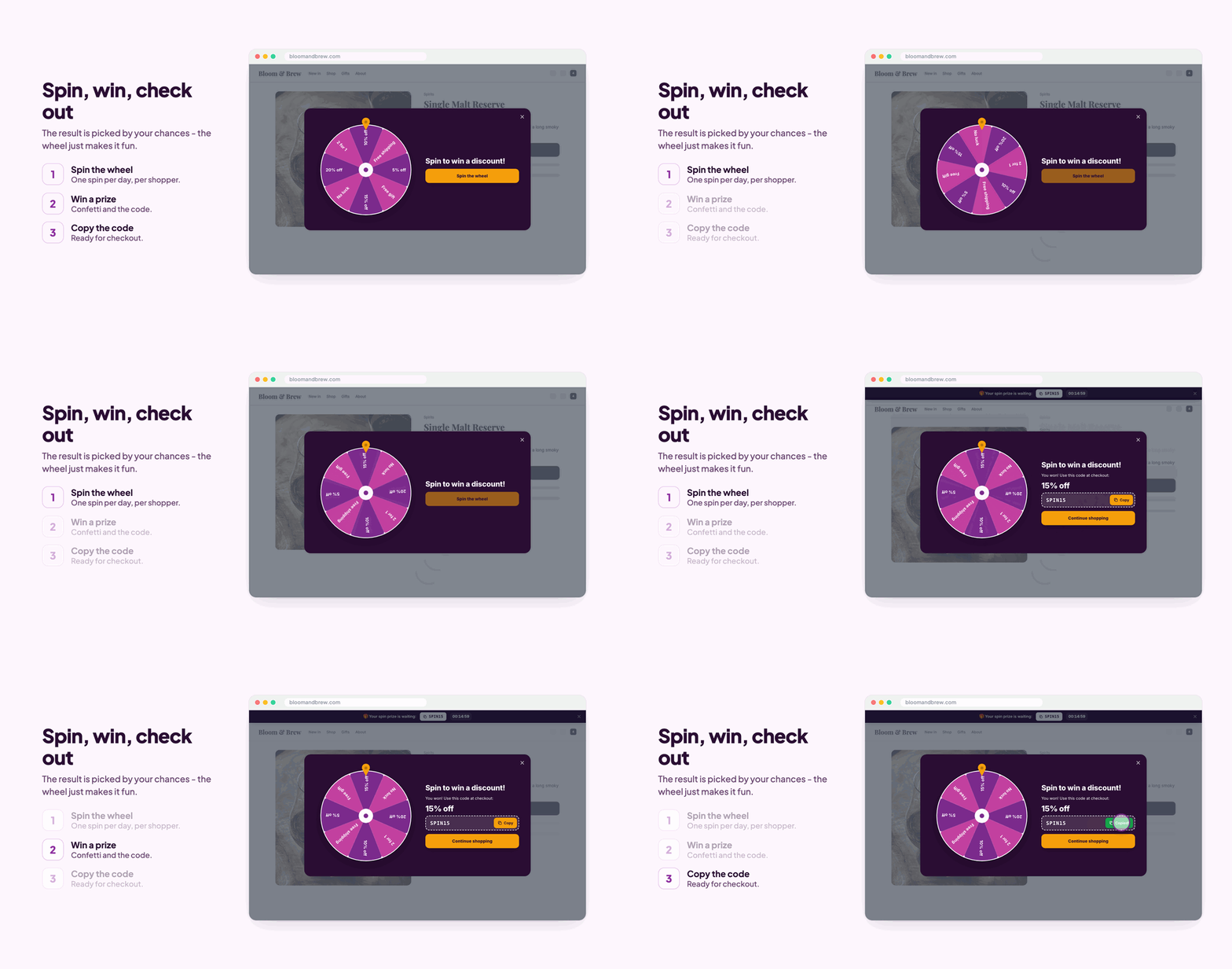
- Spin to Win: a discount wheel that asks for an email and hands out a real coupon code from your store, with the chance of each prize set by you. Guide.
- Automated Email Upsell: follow-up emails after an order with products picked for that customer and a personal discount code.
- Slide-in Offers: coupons, real countdowns and product picks that slide in at the right moment. Flash Offers runs flash sales with a countdown and a coupon drawer that follows shoppers through the store.
- Shoppable Stories and TikTok Shoppable Slider & Instagram Shoppable Wall: stories and videos on your store with products shoppers can buy.
Planning a holiday sale? Black Friday: set up your store in an afternoon puts these apps in order.
3. Store design: options, menus and labels
Make products easier to find, understand and order.
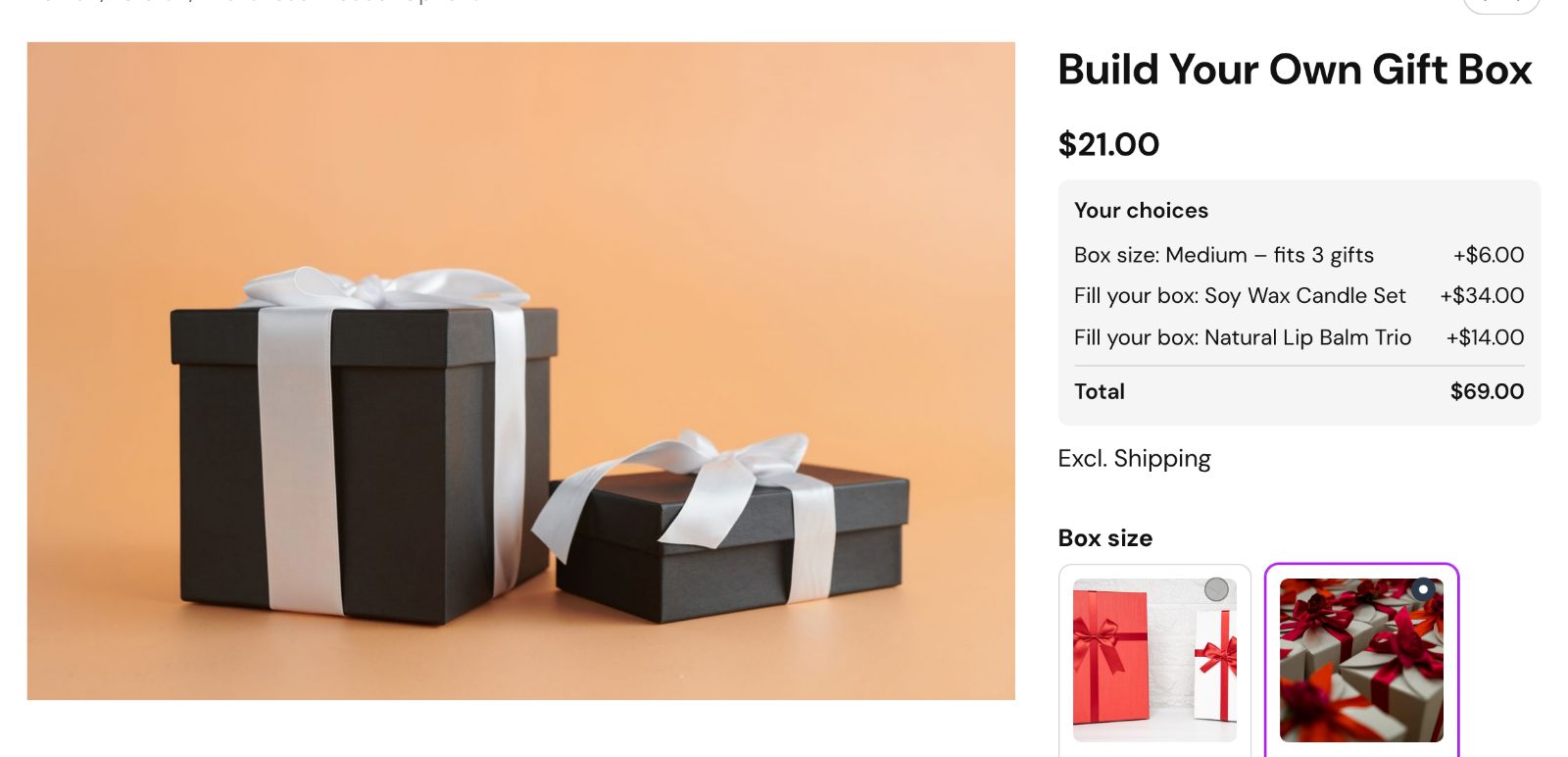
- Advanced Product Options: picture cards, color and image swatches, sliders, counters, dates, text and file uploads. Rules show, hide and price options as the shopper picks, add-on products go to the cart, and engraving can be priced per letter. Overview and step-by-step guide.
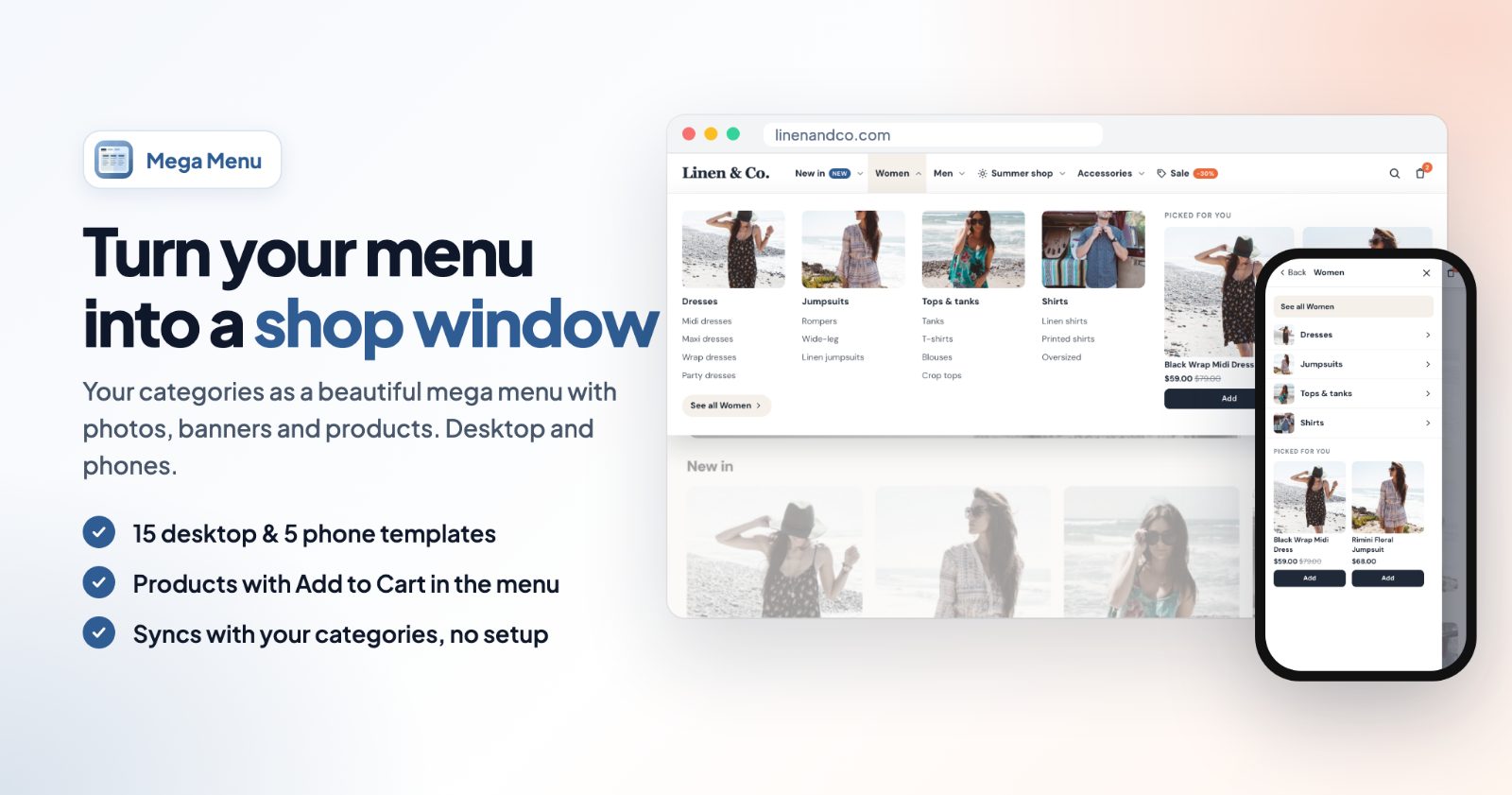
- Mega Menu: a multi-level menu built from your categories, with images, banners and products shoppers can add to the cart right from the menu.
- Automated Product Labels & Badges: Sale, New, Low stock, Bestseller and your own labels on product pictures, set by rules, with the discount and items left filled in. Guide.
- Color Swatch Pro: color and image swatches instead of plain option dropdowns, so shoppers see every variant at a glance.
- Tabber: long product descriptions in tabs or accordions, and shipping, returns or size tabs added to every product at once.
- SEO speed & image optimizer: lighter product pictures as WebP, every night for new products too, with alt texts filled in and an SEO audit of your catalog.
4. Trust: reviews, badges and clear rules
New visitors don't know you yet. Show them what other customers think and what you promise.
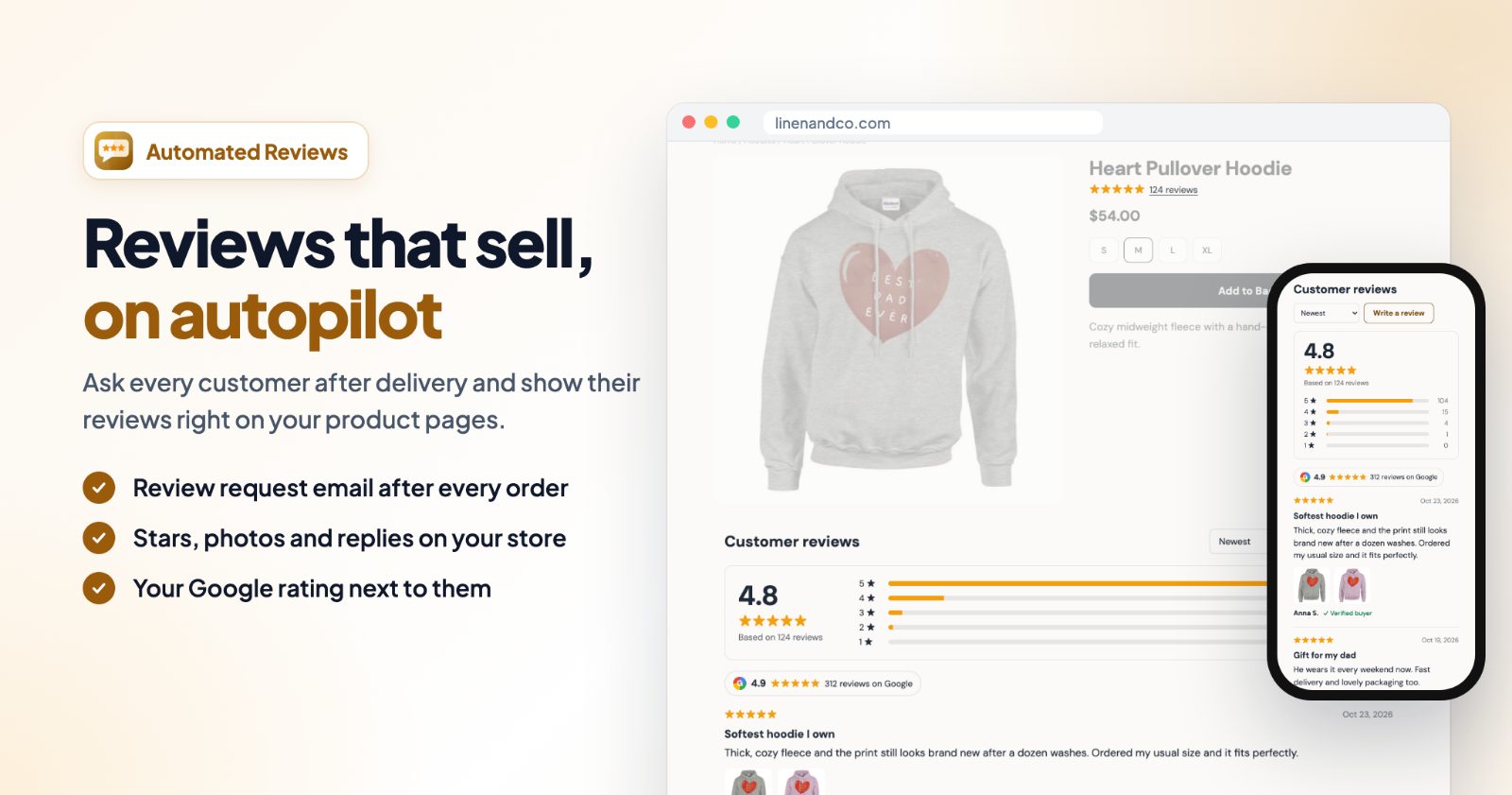
- Automated Customer Reviews: a review request email after the order reaches the status you choose, reviews with stars and photos on your product pages, and your Google rating next to them. Low ratings open a private message to you instead. Guide.
- Trust Badges & Payment Icons: payment logos, carriers and guarantee icons under the Add to cart button, in the cart or in the footer. Guide.
- Age Verification Popup (18+): an age check for stores that sell alcohol, vape, CBD or other age-restricted products, with one click or a date of birth. Guide.
- We're Closed: your opening hours, holidays and a vacation notice, and your choice of whether orders are still taken while you are closed.
5. Payments and selling abroad
Shoppers leave when their way to pay is missing. Add the ones your customers use. Most need an account with the payment provider; each app's page has the details.
- Amazon Pay: Amazon shoppers check out with their Amazon account. Guide.
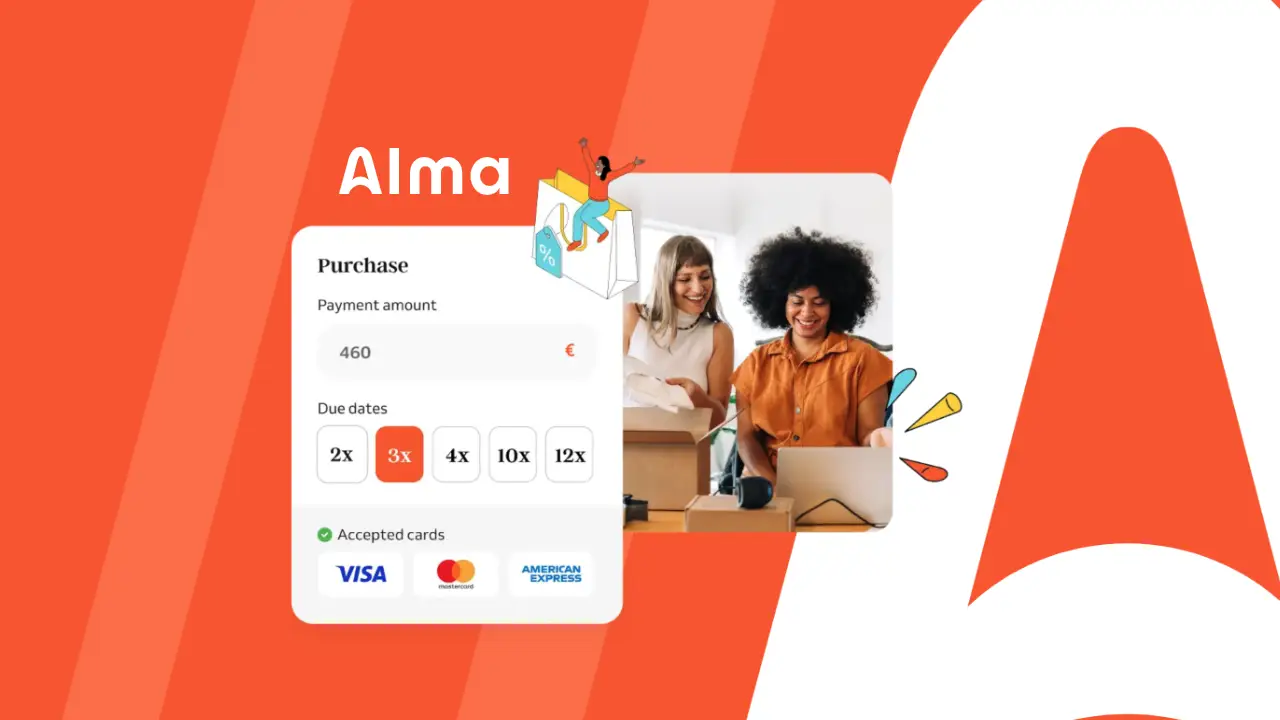
- Pay later and installments: Zip Payments (4 installments over 6 weeks, guide), Alma Payment Gateway (2, 3 or 4 installments) and Splitit (installments on the shopper's own credit card).
- Cards and local methods: Viva Wallet (cards, Apple Pay, Google Pay and local methods, guide), PayPlug (card payments in euros) and dLocal Payments (payments from Africa, Asia and Latin America).
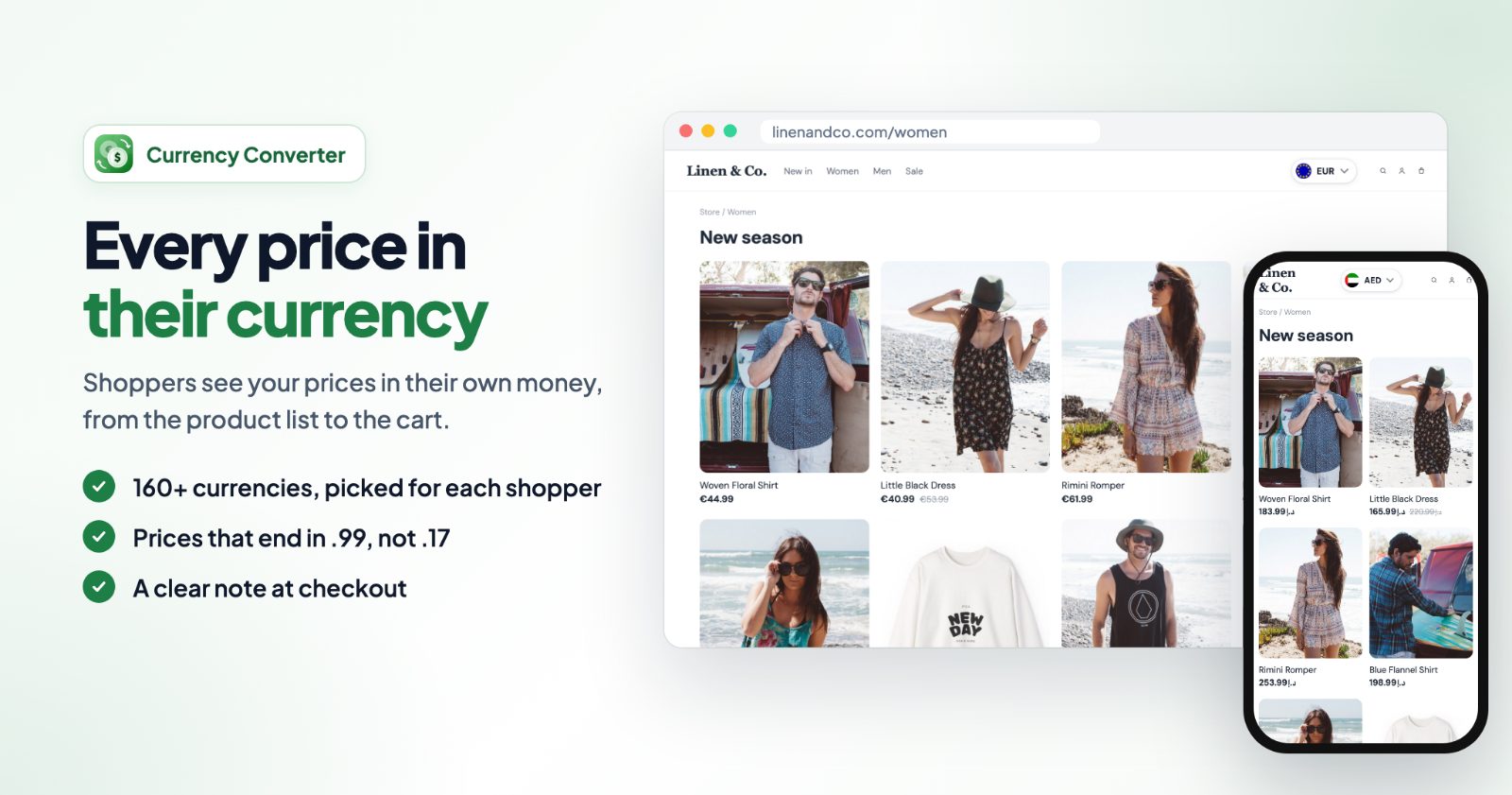
- Ultimate Currency Converter: every price in the shopper's currency, 160+ currencies picked by country or language, prices ending in .99, and a clear note at checkout that they pay in your store currency.
Where to start
You don't need every app. A simple order for a new store:
- Trust first: trust badges under the buy button, and review requests from your first orders on.
- Then the order value: a free shipping bar that matches your free shipping rule, and bundles on your best sellers.
- Then the visitors who leave: the cart reminder, and a spin-to-win wheel or slide-in offer to collect emails.
- Then design and reach: a mega menu once you have many categories, product options when products need choices, and the currency converter when orders come from other countries.
Add one at a time, check it on your store on a phone and a computer, and keep what works for your shoppers. All apps are listed on the apps page.